
Why it asks instead of watching
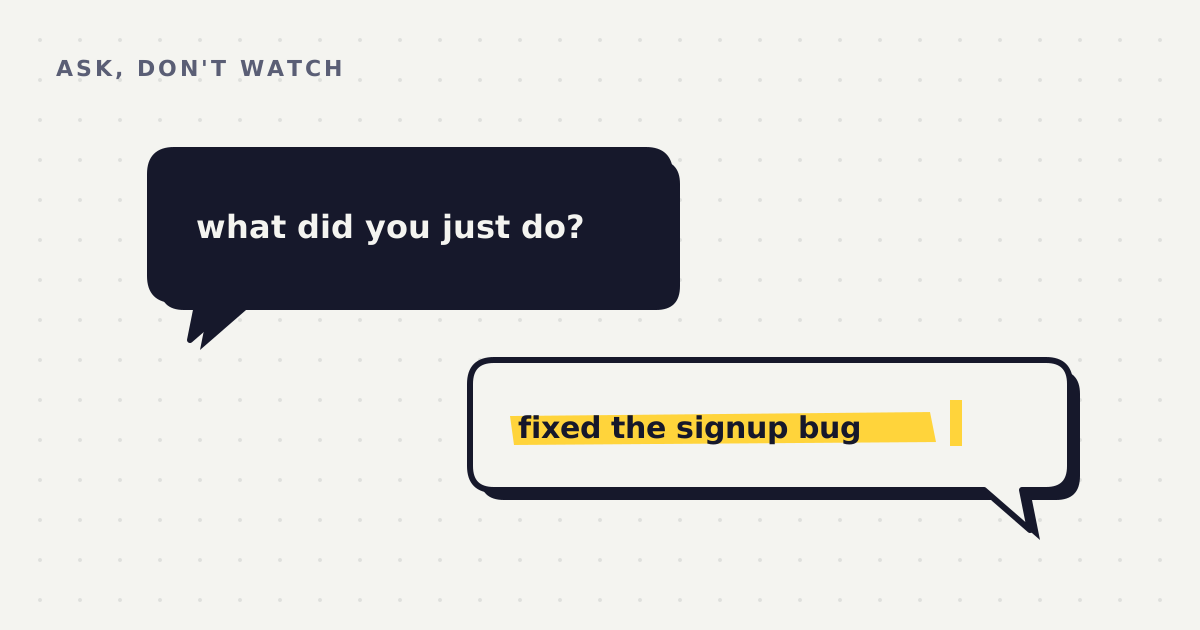
The obvious way to build a time tracker is to watch the screen. Record which window is focused, for how long, and sort it into categories. No typing, no interruptions, no effort from the person being tracked.
Whatcha Doing doesn't do that, on purpose.
What a screen can't tell you
An automatic tracker can see that Chrome was open for 47 minutes. It can't tell whether that was research or a rabbit hole. It sees the same pixels either way. It files both under "Browsing" and gives you a chart.
It also can't see anything that happens away from the keyboard. The two hours you spent working a problem out on a walk simply don't exist in its records. The ten minutes you spent with the editor open, staring, count as writing.
A tracker knows where your time went. Only you know what it was for.
Asking is the point, not the cost
Being asked "what did you do in the last hour?" is mildly annoying. That's deliberate. The six seconds it takes to answer are the six seconds in which you notice what you've been doing. No passive tracker can give you that moment, because it never interrupts you.
And because you're the one writing the entry, the entry says what actually happened: "reading about launch strategy", not "Chrome, 47m". That difference is what makes a useful weekly report possible. The analyst can compare what you said you'd do with what you said you did, in your own words.
It also means there's nothing to spy on
Because the app doesn't watch your screen, there's no screenshot folder, no keystroke log and no list of every site you visited. There's a plain text file with the lines you chose to type. You can open it right now and read the whole thing.
Find out what you actually did this week. The first week is free.
Download free